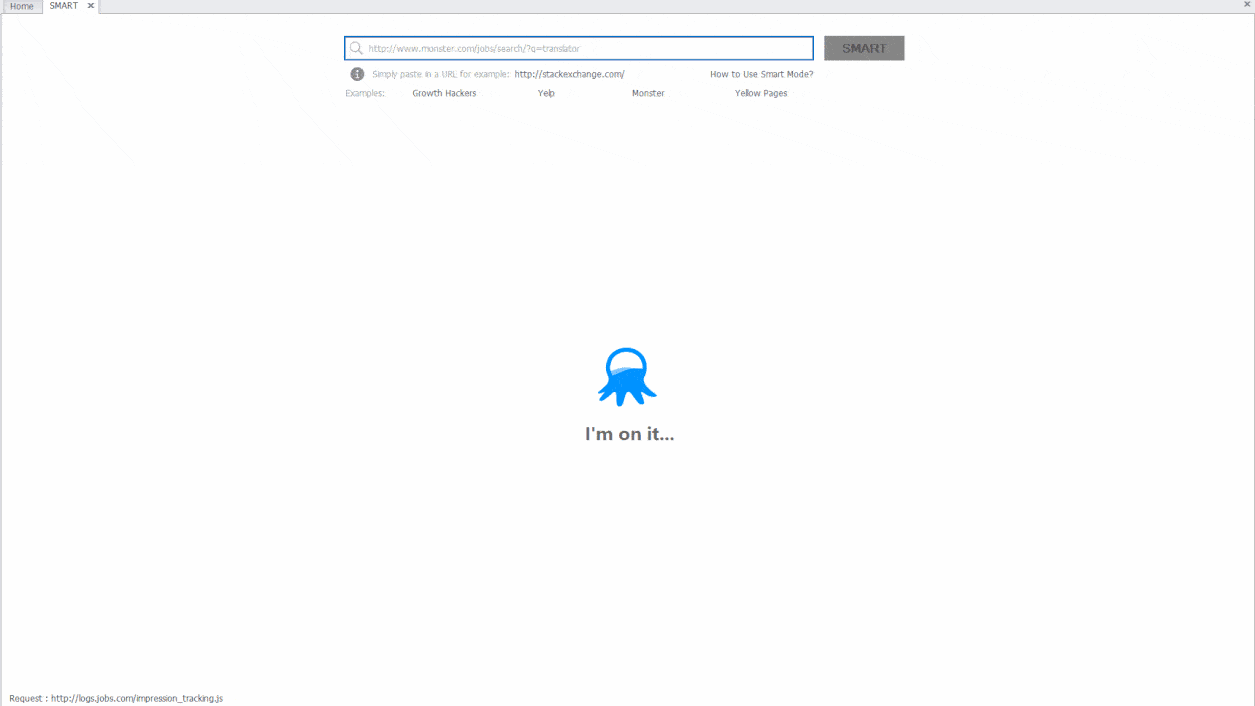
Octoparse is a fully featured web page data extraction tool with a clean and intuitive user interface. It offers two primary methods of data extraction: ready-made templates and an advanced auto-detect mode. The advanced mode offers more configuration options for data extraction, while the template-based approach is more suitable for less experienced users. Both methods let you extract data from a single page, a list or table, details from web pages linked from a list, and from a manually specified list of URLs.
Customizing the extraction workflow
Each type of data extraction lets you define sections from web pages that include the data you want to extract, so in that way, you only extract the data you need. If pagination exists, you can define the next-page button, and Octoparse will automatically extract data from all pages. Each data extraction type has a tutorial mode, which can guide you through the setup process of data extraction.Cloud processing and exporting options
The extraction process can be executed on a local computer, or it can be executed in the cloud. Cloud extraction can be used for faster data retrieval from larger websites. After extraction is complete, users are able to preview the extracted data and export it to different formats, such as HTML, TXT, Excel, or a database.A flexible tool for marketers and analysts
Octoparse offers a professional solution for extracting data from web pages. It can be used for different kinds of purposes, be it email extraction for marketing, analyzing market trends, or any other objective. It is suitable for both simple and complex data extraction tasks. There are also detailed tutorials available online in case you should run into uncertainties.